Get started
Go to the apps section in the CUDO Compute console and click either the small, medium or large instance of JupyterHub. This will give you some good default settings but, you can fully customise your deployment at the next step.VM configuration
A GPU is automatically selected by clicking small, medium or large, however you can choose a different GPU or even multiple GPUs for your deployment. The default disk size is set between 100-200GB which should be enough for most users. However, if you have a very large dataset to deploy on the machine you may need to increase the size. Having a large number of users may require larger system memory and vCPU allocations. Read this for more information. Within jupyterhub usage can be monitored using the right hand side pane: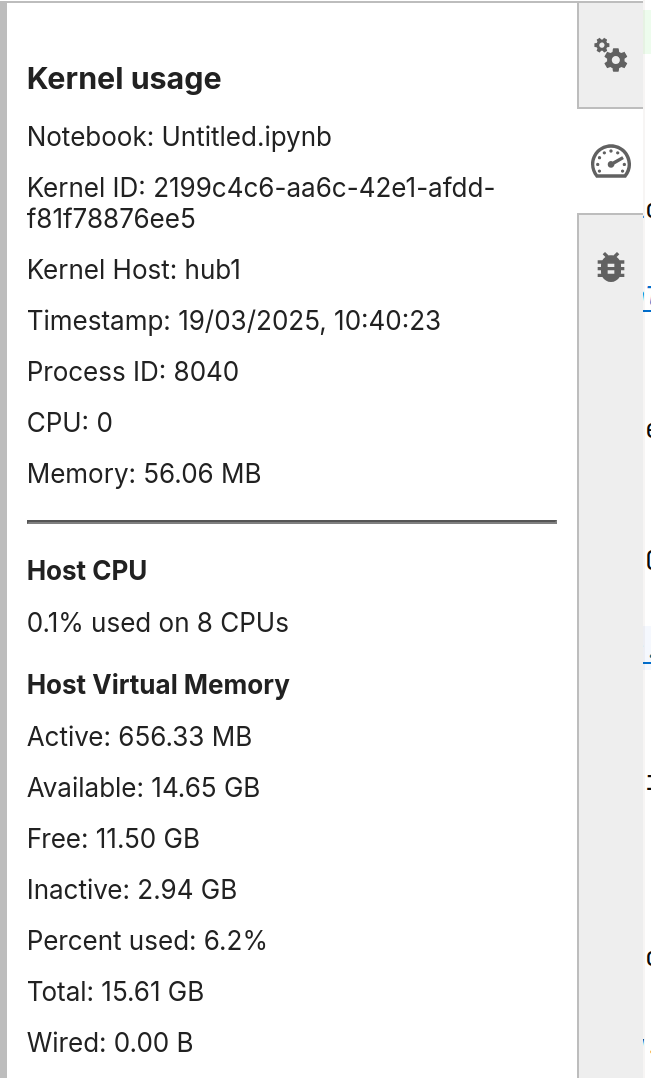
Using JupyterHub
When you deploy the VM you will be shown the VM information page. Find the public IP address and paste it into your browser using http (https is not supported) e.g.http://192.1.3.4.5
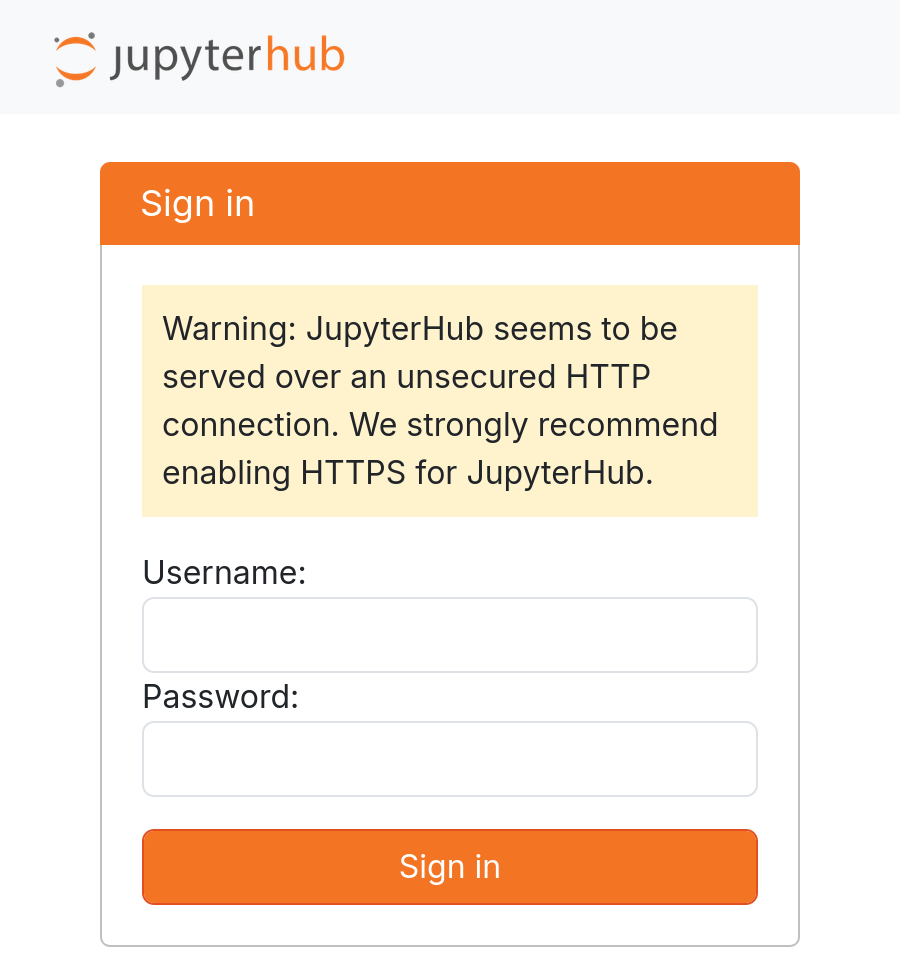
admin and create a password to sign in. The first user to sign in will have an account created for them and become the administrator.
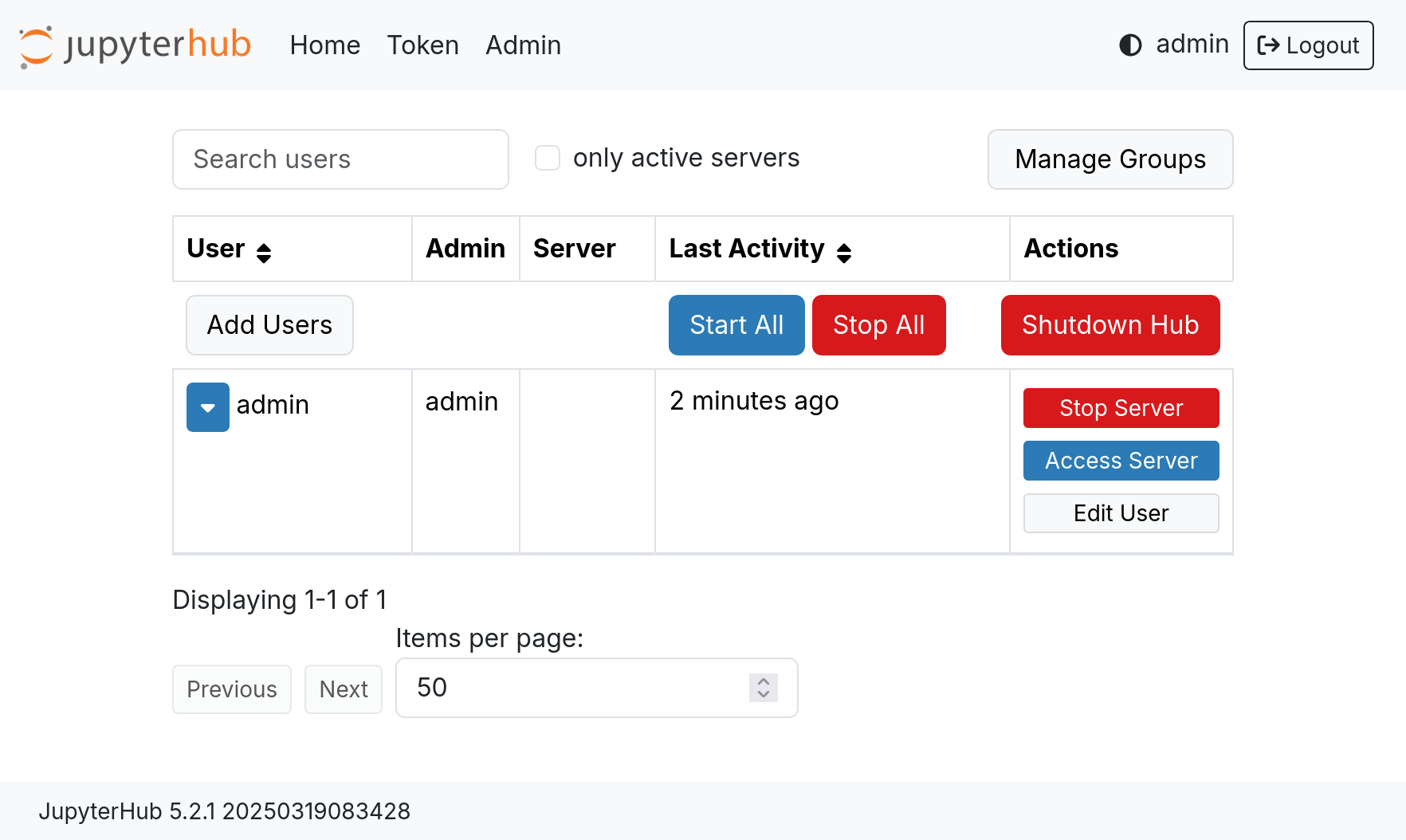
Got to File > Hub Control Panel to open the hub control panel. Click Admin to show the admin view.